Arrive. Work. Head home.
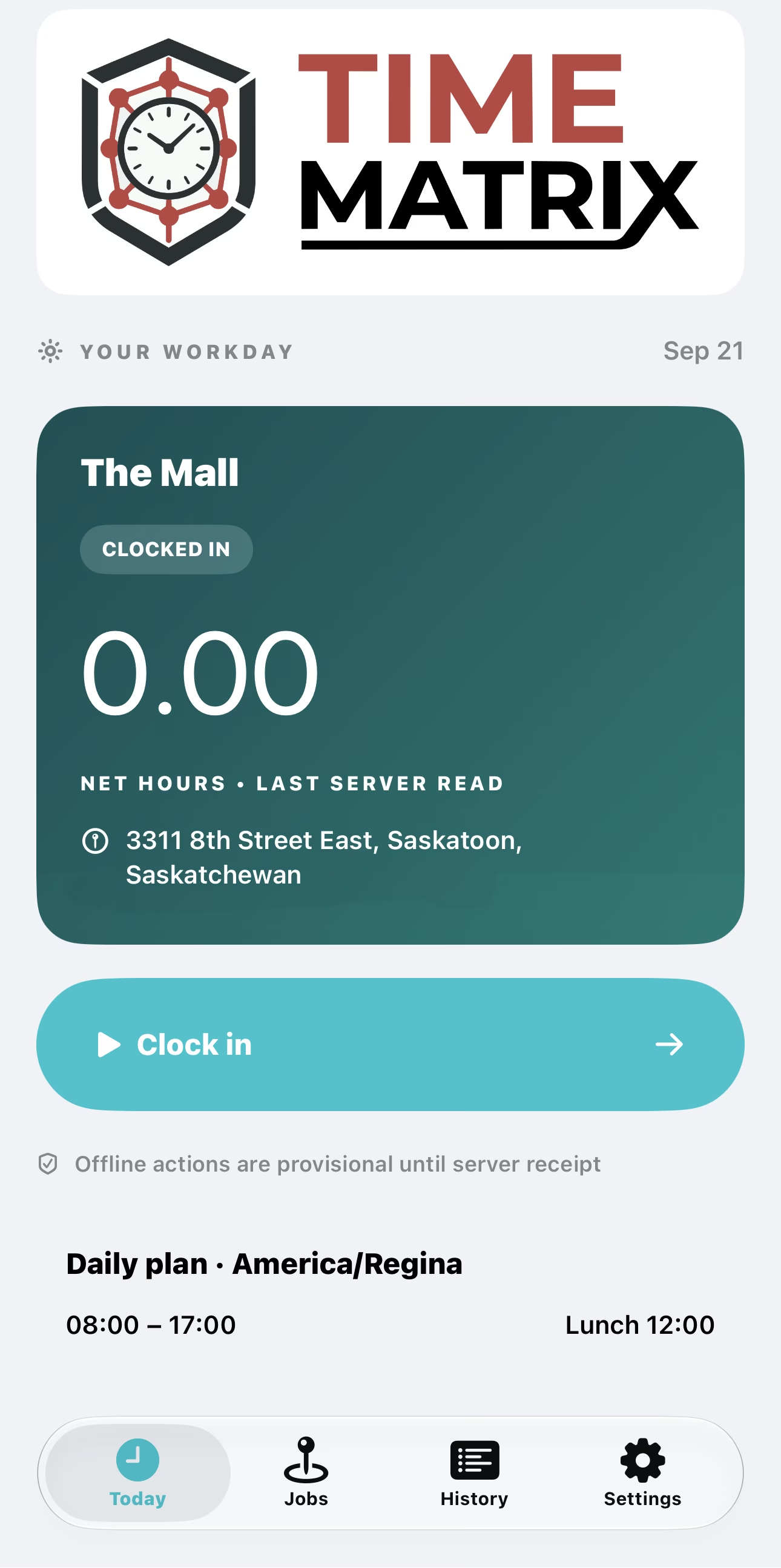
The standalone Time Matrix app uses GPS on the phone to start your shift when you arrive and stop it when you leave. A reminder keeps lunch on your radar.
- ArriveShift starts
- LunchBreak reminder
- LeaveShift stops

Time Matrix keeps track of the workday. Safety Matrix brings the hours, the office and the people on site together.
Choose automatic time tracking
or keep the control in your hands.
The standalone Time Matrix app uses GPS on the phone to start your shift when you arrive and stop it when you leave. A reminder keeps lunch on your radar.
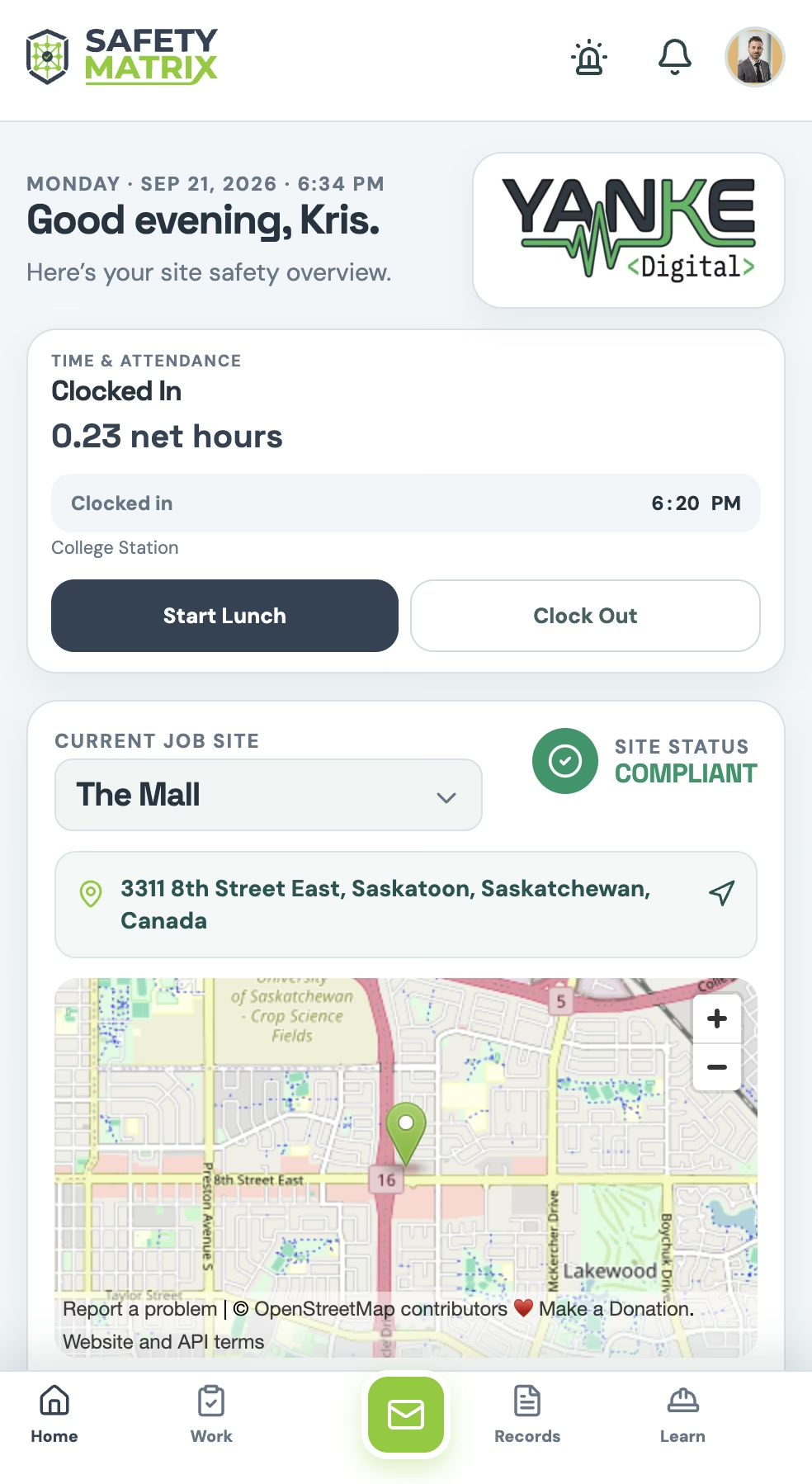
Use Clock In and Clock Out in Safety Matrix. A straightforward option for occasional site visits, sub-contractors and anyone who prefers to record their own time.
Both routes write to the same time record.
Work sites sync from Safety Matrix to Time Matrix. No retyping addresses or site names on the phone.
Hours by worker, site and day.
Review shifts. Export for payroll.
See how every entry was recorded, with clock-in coordinates and accuracy when the worker opts to share them.
The proposed correction includes a reason.
Approval comes before payroll changes.
Before and after values remain in the audit trail.
See who is clocked in at your site,
based on the latest synced records.
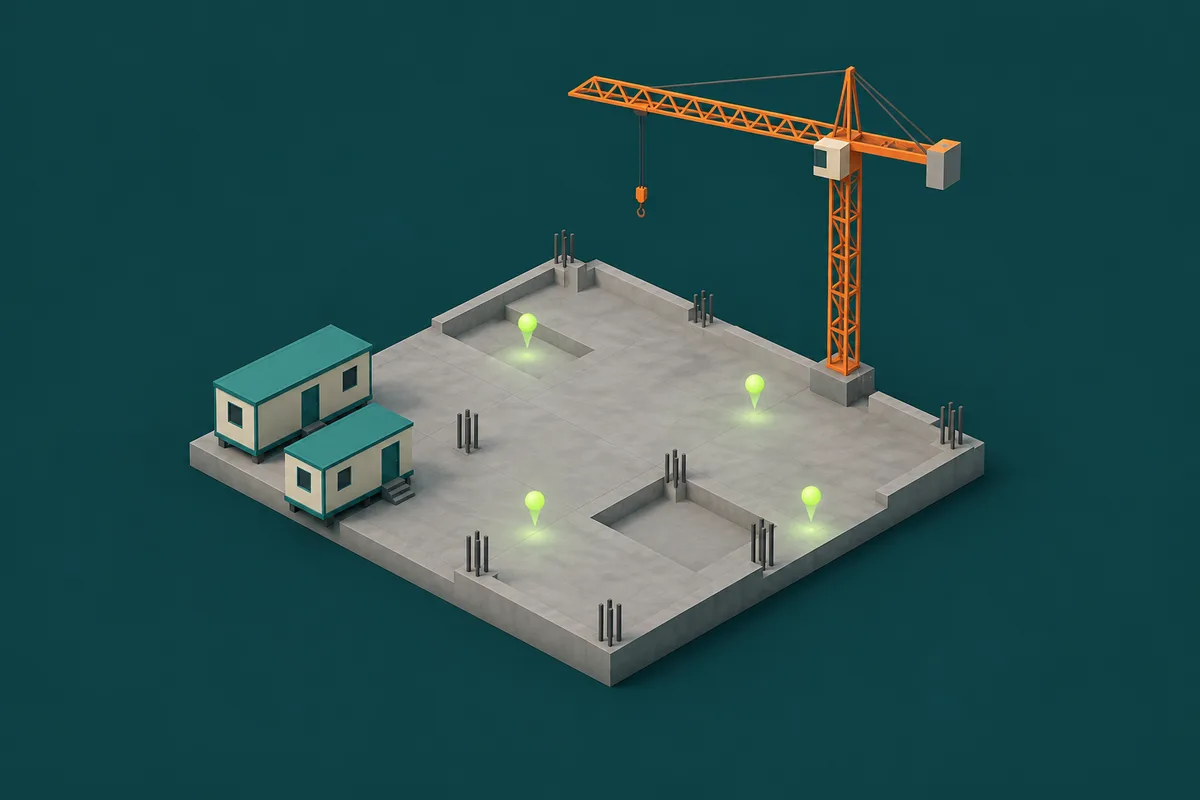
Example only. This is not live site data or a map of people’s current positions.
Message or call from Who’s on site without displaying anyone’s personal phone number.
Use the clocked-in list to support your emergency muster, then confirm who is accounted for. Clock-in status alone is not confirmation of someone’s safety.
Sharing clock-event coordinates is optional and off by default. Allowing GPS on the phone does not give permission to share those coordinates.
There’s no continuous location trail—only clock events. Workers can see what was recorded.
Clock events queue on the phone and reconcile when the connection returns. Pending and confirmed events stay clearly marked.
Other devices see updates after they sync. An offline or force-closed phone cannot deliver an instant site update.
Sub-contractors can record time and appear in the site headcount without being set up as employees. Keep the people doing today’s work in the picture.
See how it fits your crewTell us a little about your crew.
We’ll show you how Safety Matrix fits your work.